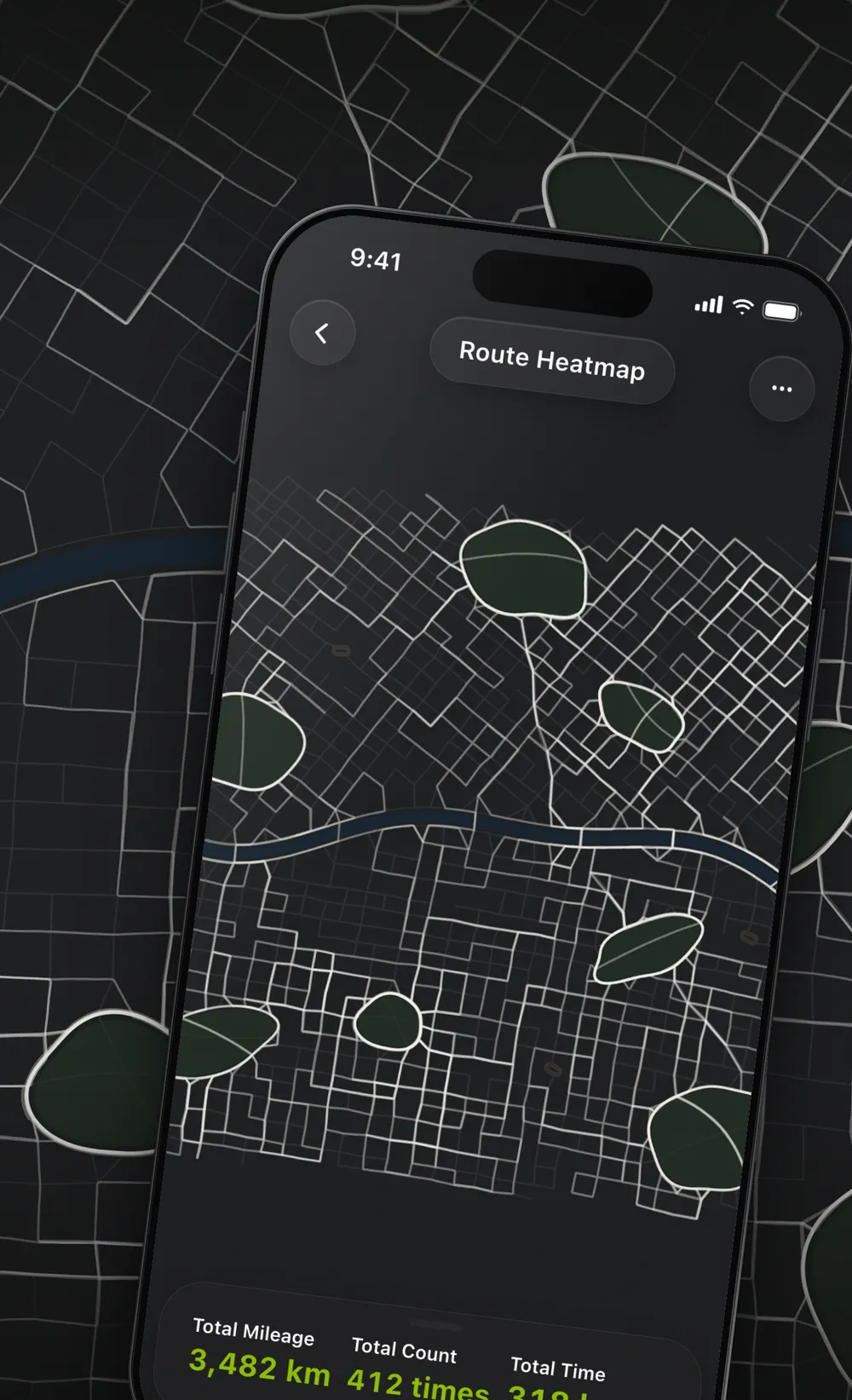
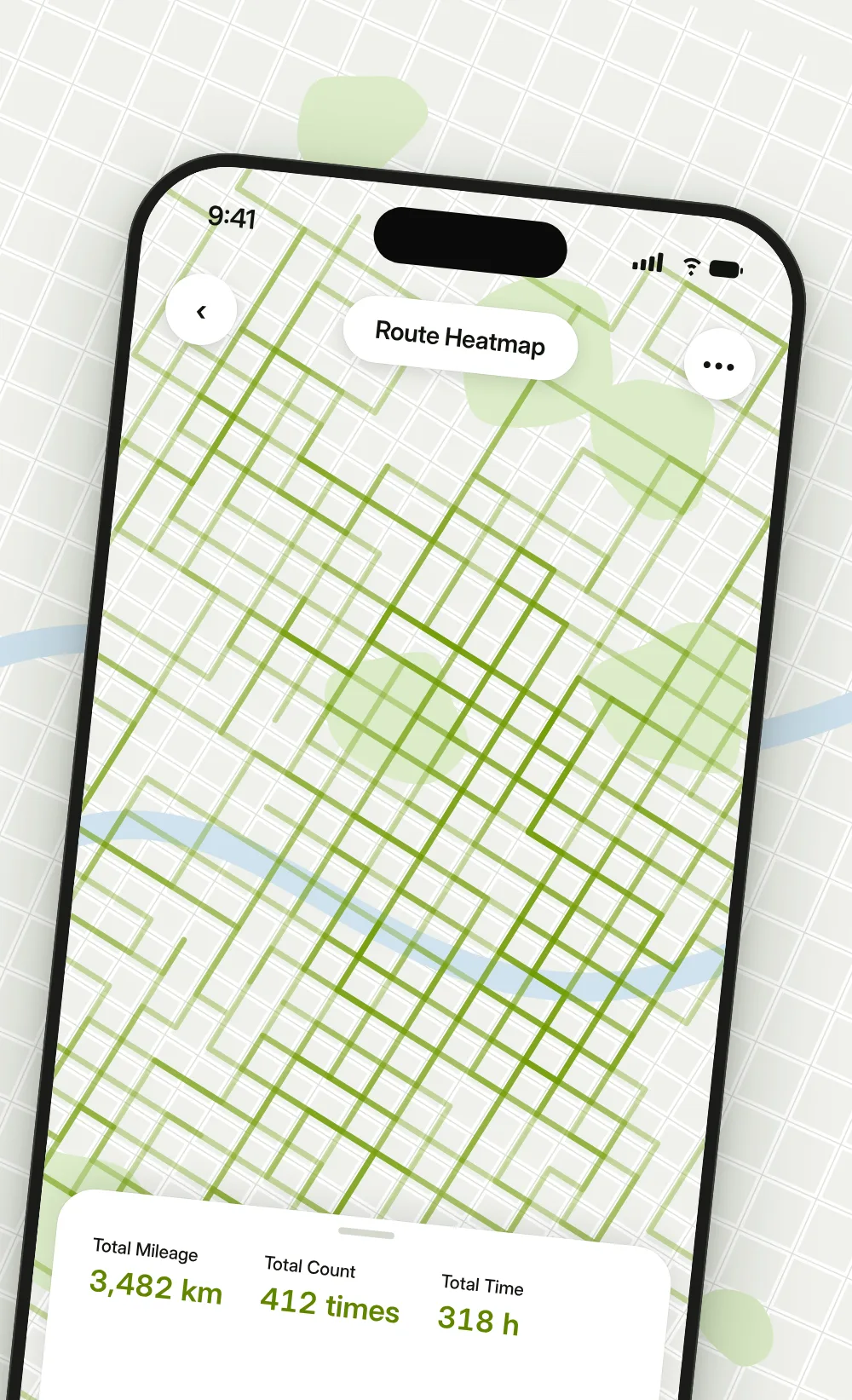
Route heatmap Pro
Every route layered on one map, so the roads you return to most stand out. Filter by sport and year.
MovingPath reads your runs, rides, walks and hikes straight from Apple Health, or connects to Strava. Nothing new to record: open the app and your routes are already there.
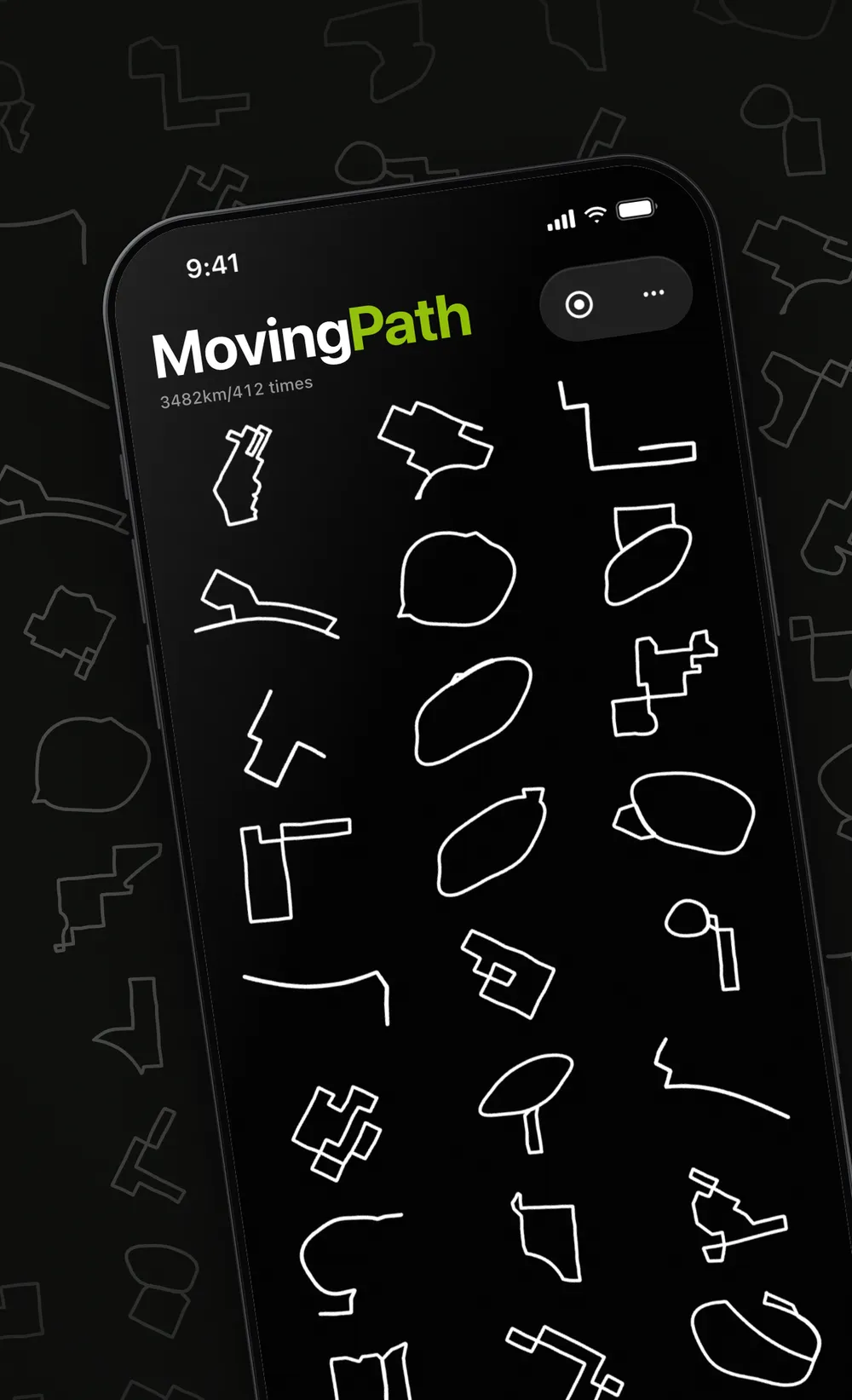
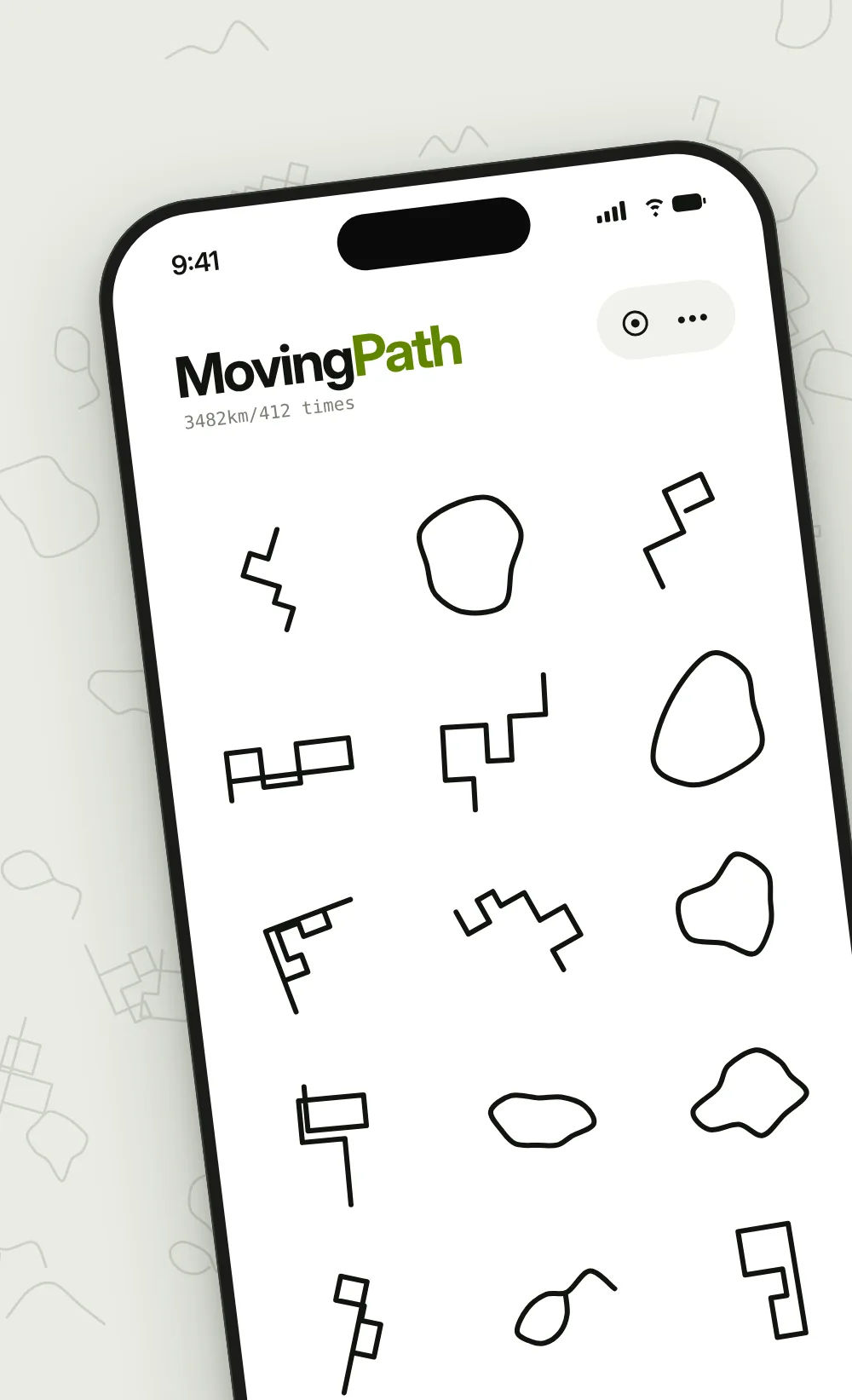
Every workout becomes a clean line drawing, tiled across the home screen. The blocks you ran, the loop you rode, the ridge you climbed each keep their own outline.
See the whole route on a full-screen map, with start, finish and direction of travel. Drag along the elevation profile and the distance, altitude and grade follow, along with heart rate, power and temperature when they were recorded.
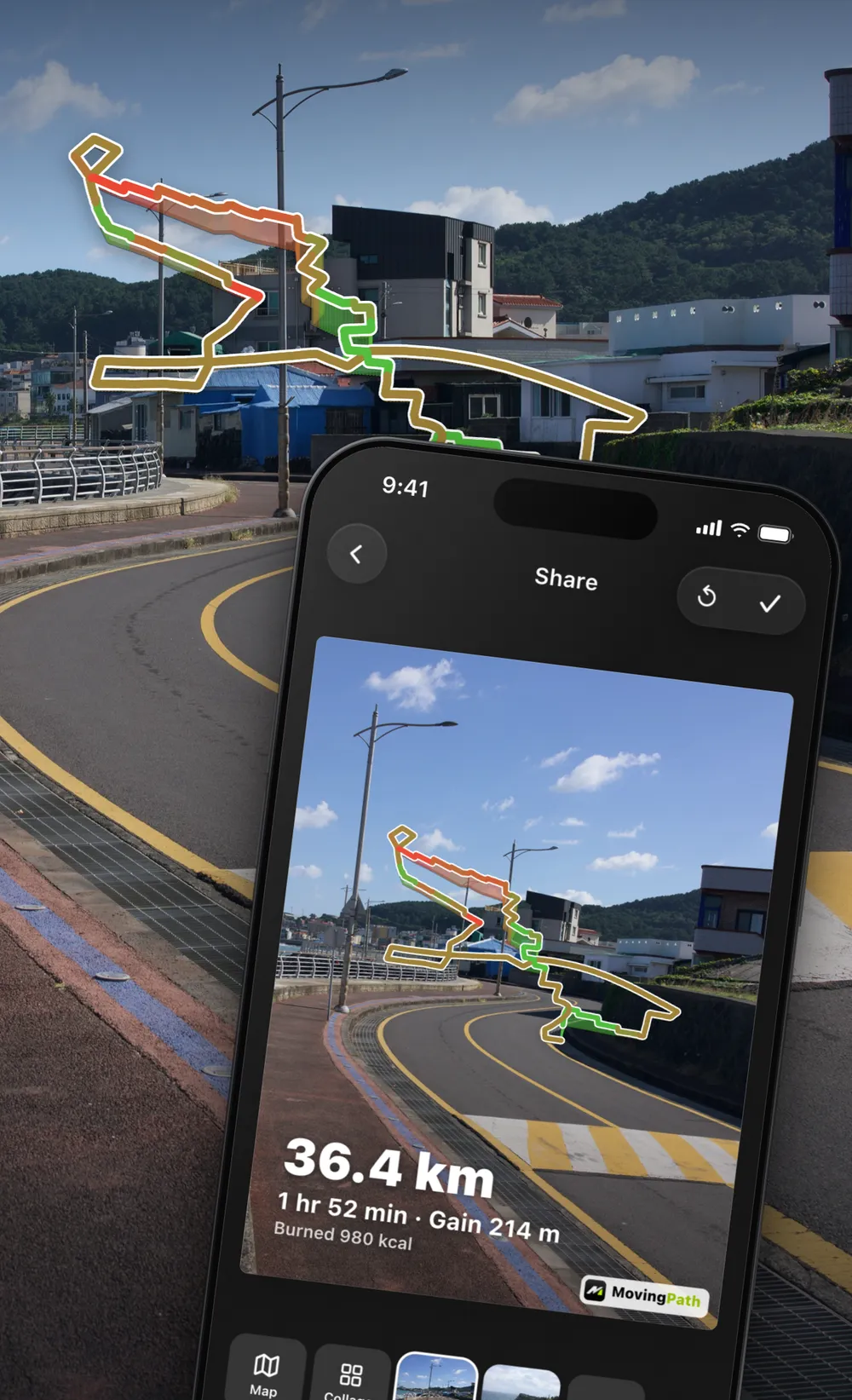
Use the map, a photo, or a collage of 2 to 9 photos in 24 layouts as the background. The route, your stats and a pile of “calories as food” are stickers you can drag, pinch and rotate.
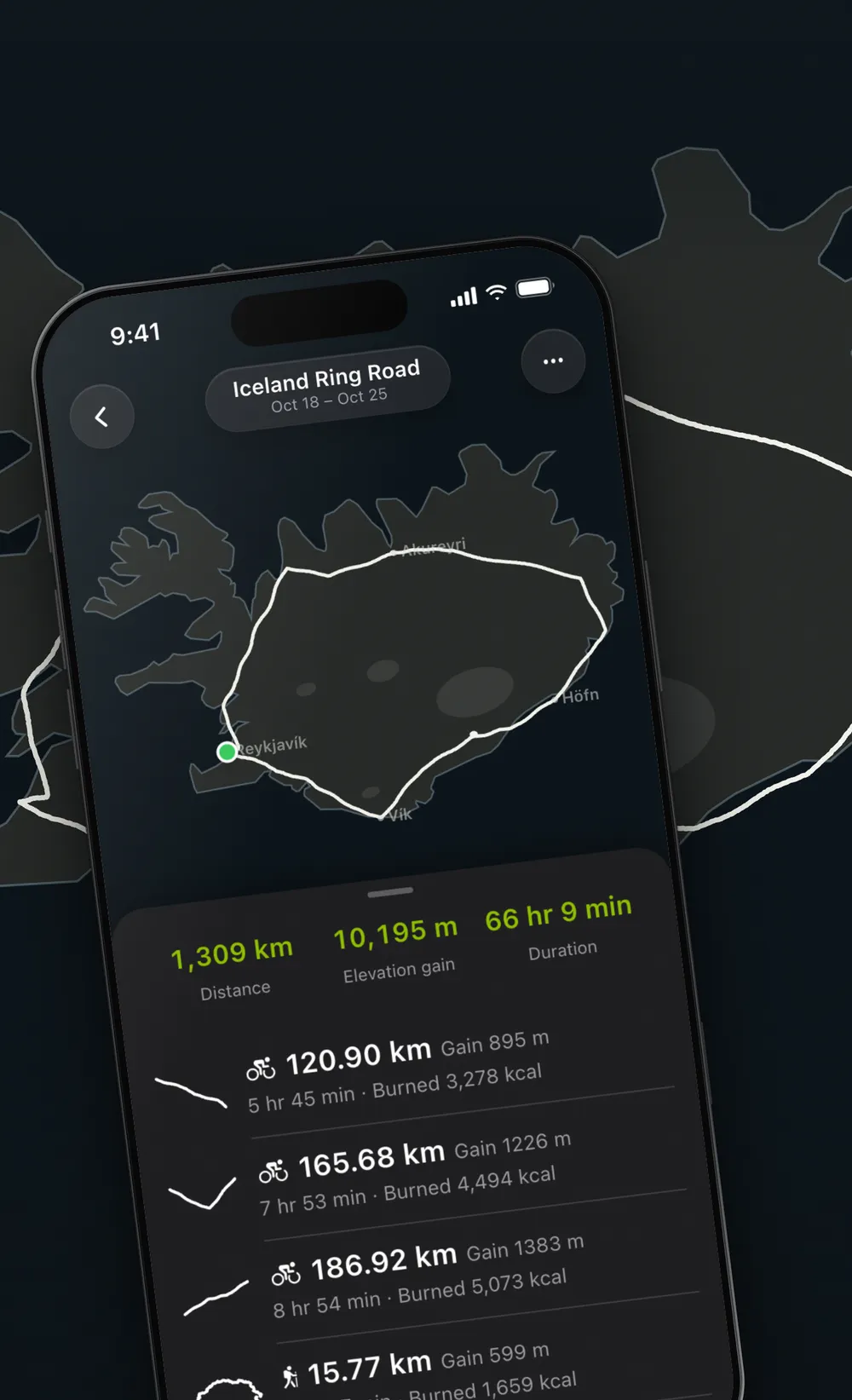
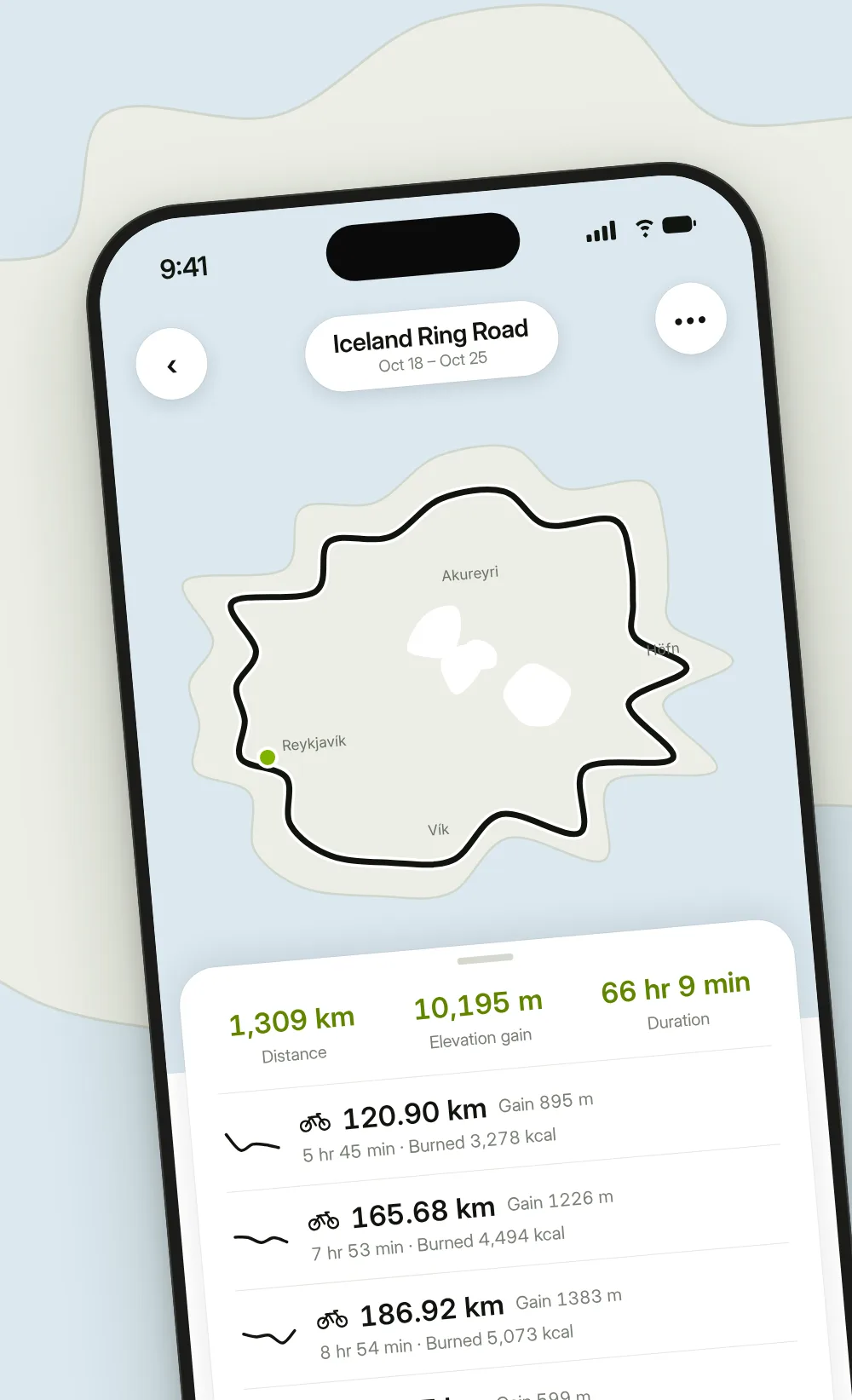
An island loop by bike, a multi-day trek, a week of runs and walks on holiday: bring them together as one journey. Routes from different days and different sports sit on one map, with total distance, elevation gain and time added up for you.
Every route layered on one map, so the roads you return to most stand out. Filter by sport and year.
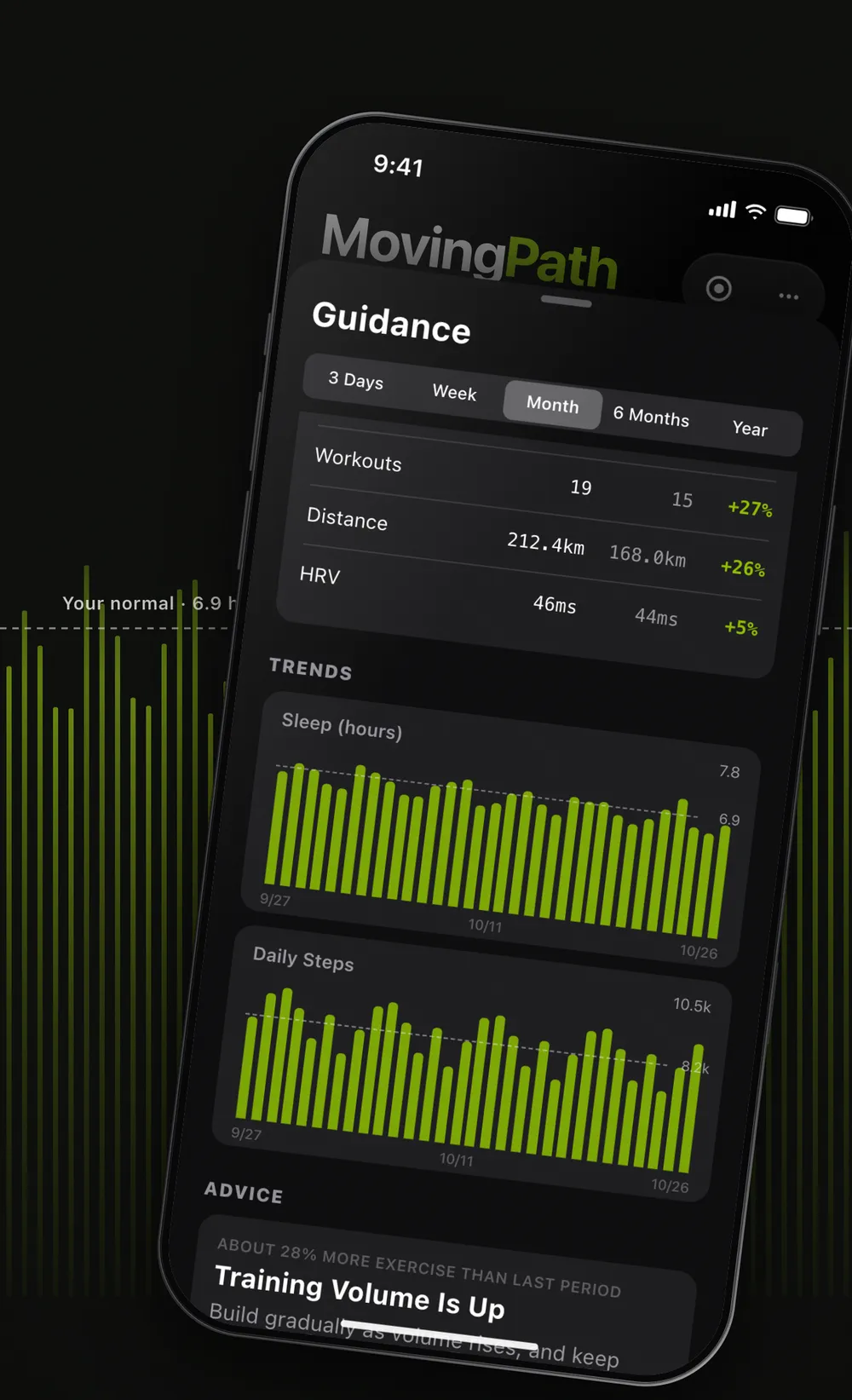
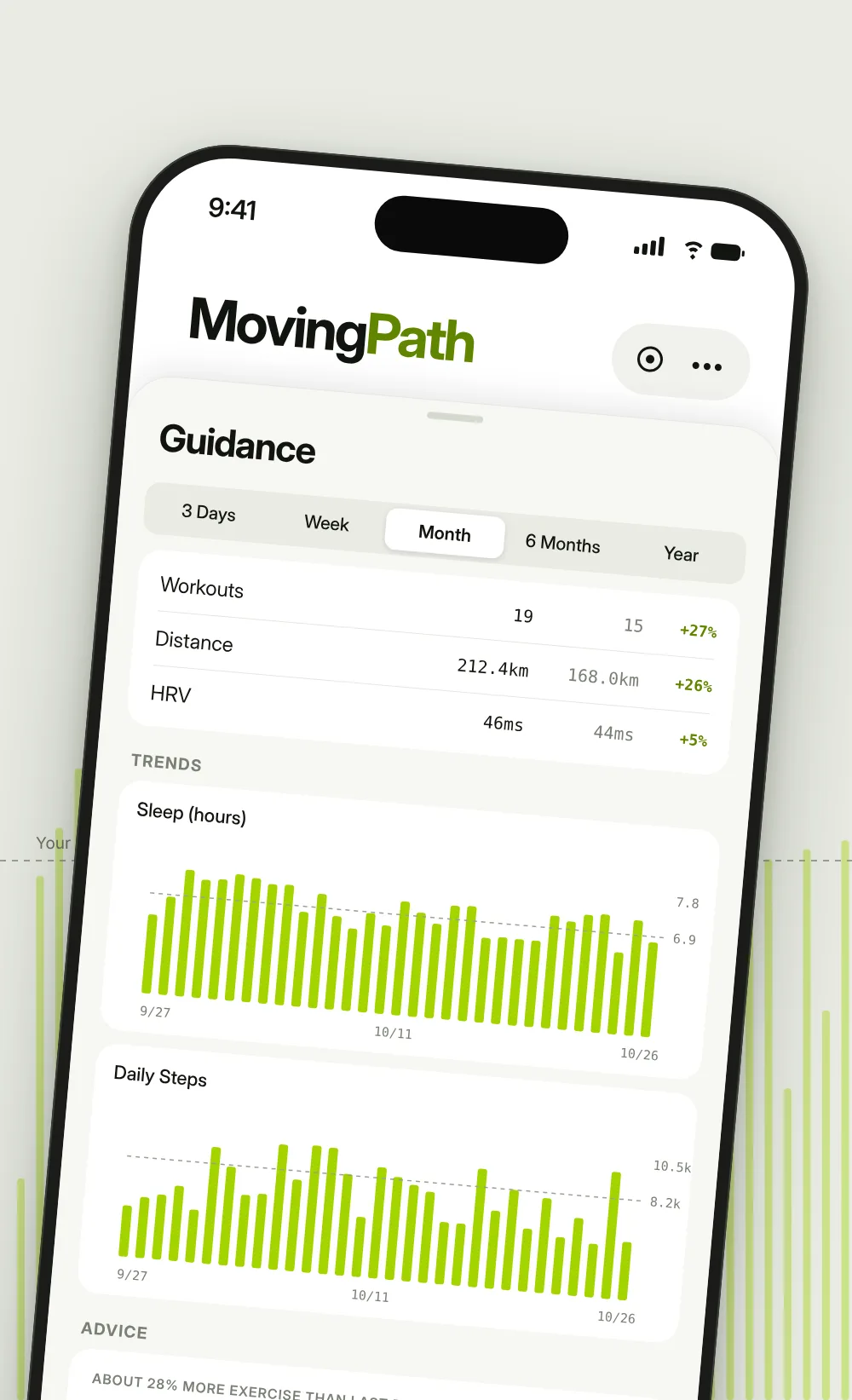
Summaries and trends from your sleep, steps, resting heart rate, HRV and workouts, measured against your own history, for anything from 3 days to a year.
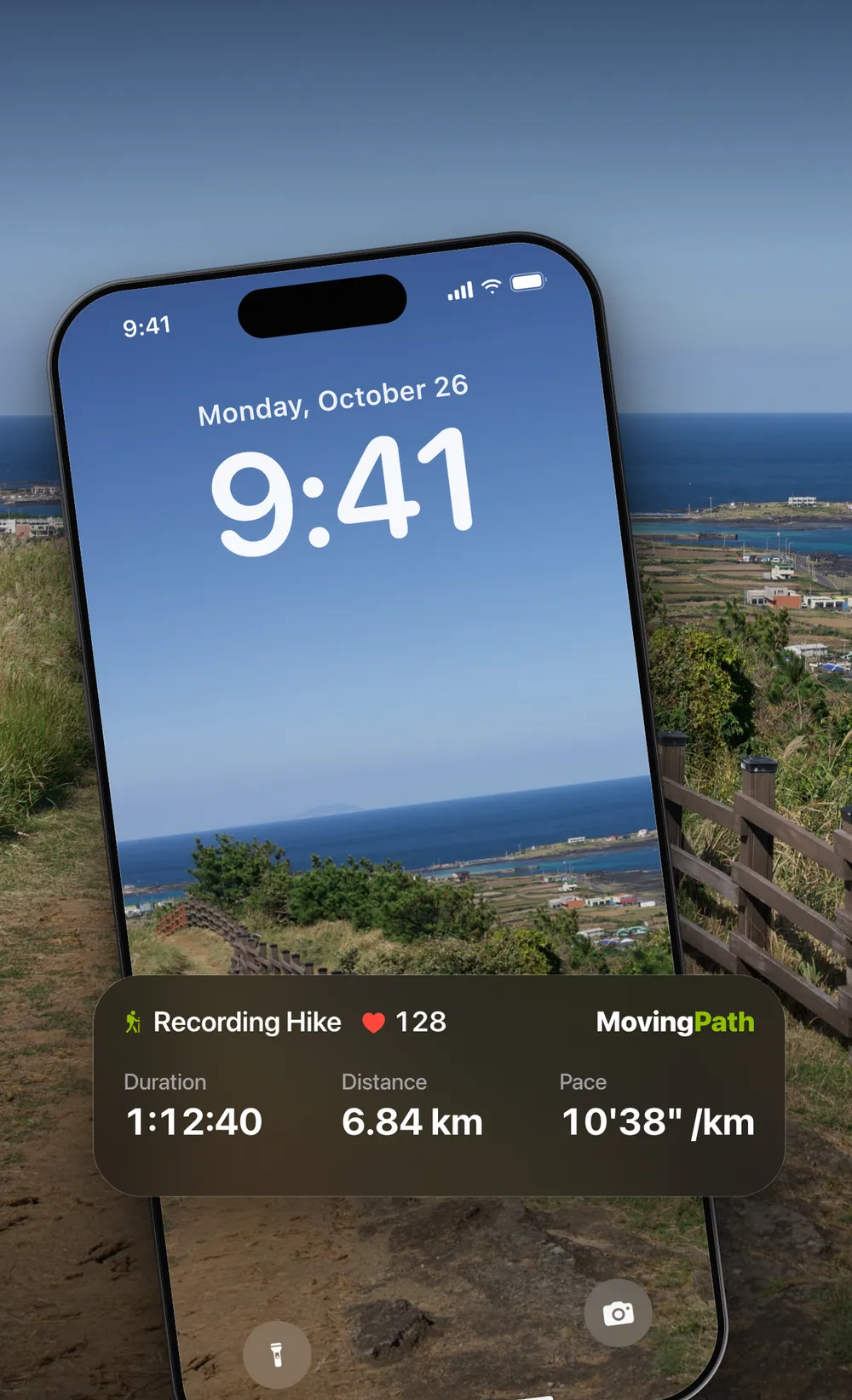
Pick a sport and slide to start; time, distance and pace stay on your Lock Screen. Import a GPX file as a route book and see your position, heading and progress on the map.
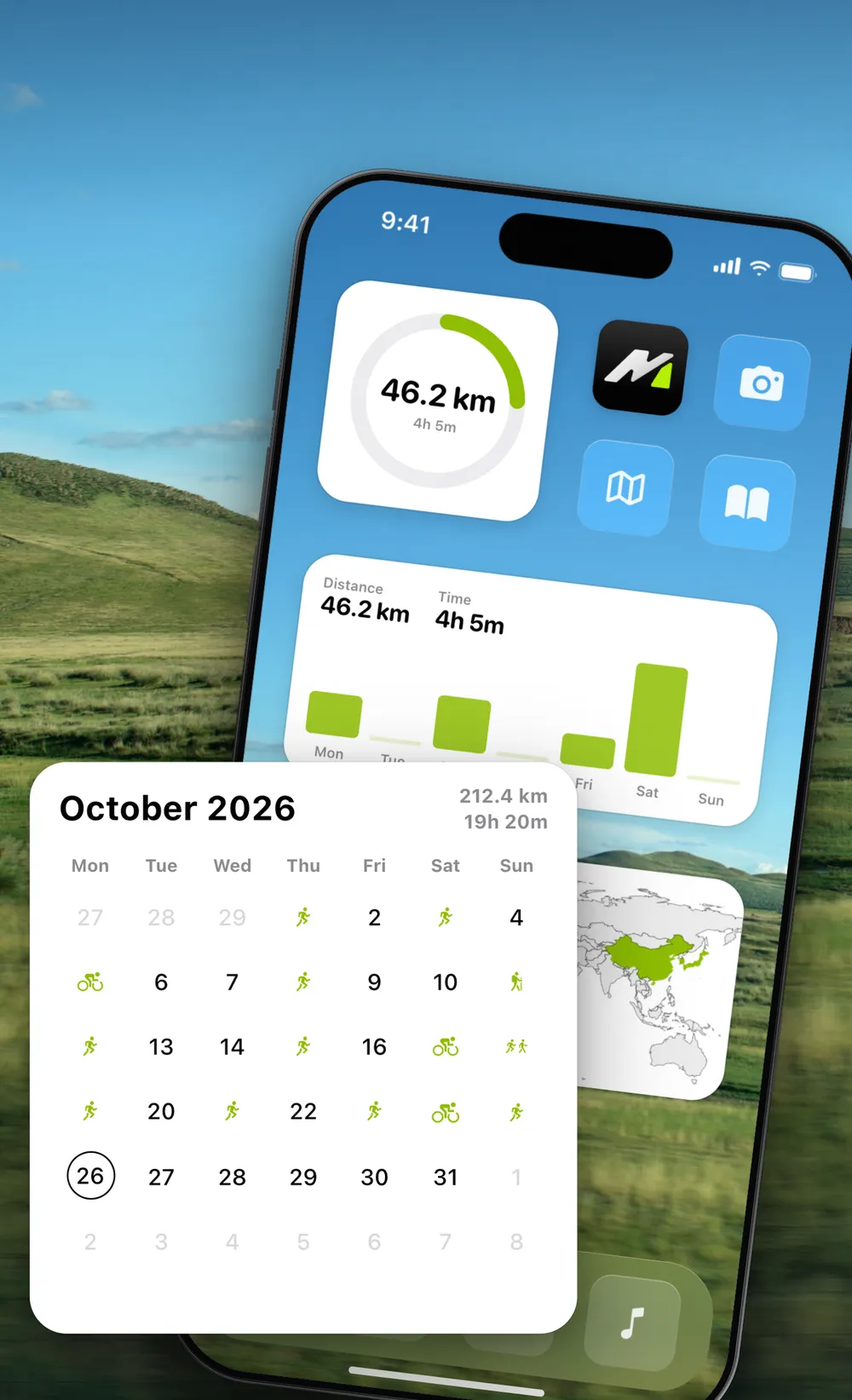
A weekly ring, weekly bars, a monthly calendar, your year so far, and World and China maps of everywhere you have worked out.
Health and workout data is read and processed on your device by default, and MovingPath never writes to Apple Health.
No. MovingPath reads the runs, rides, walks and hikes already in Apple Health, and can connect to Strava for more sports. You can also record directly in the app or import GPX files.
iPhone and iPad, on iOS or iPadOS 17.6 and later. Check the App Store page for current compatibility.
It is free to download and use. MovingPath Pro adds Guidance, Route Heatmap, Sports Career, slope colors, merging split recordings and iCloud sync for imported routes. Choose monthly or yearly, or pay once and keep it. See the App Store page for prices.
Yes. The app has a built-in Demo Mode, so you can explore the features without any workouts of your own.
I do. I’m PJHubs. I spent more than six years building mobile apps at ByteDance and now make my own as PJ.Studio. As a student I won a WWDC19 Scholarship and went to San Jose for the conference. I cycle, run and hike, and a lot of MovingPath came out of those trips. My other apps are at pj.studio, and I write about building them, and about travelling, at pjhubs.com (in Chinese).
